




About Escape Road 2
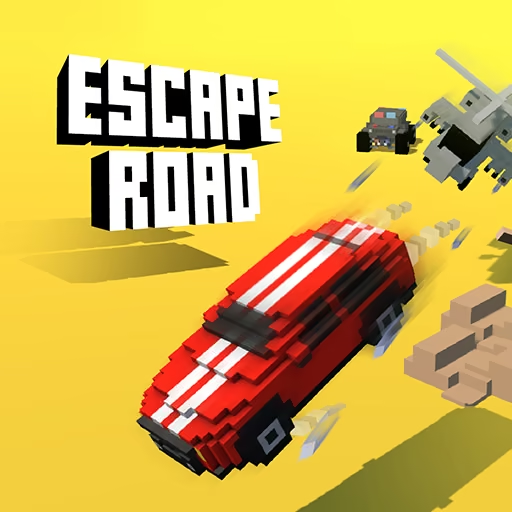
The immediate goal in Escape Road 2 is to keep the getaway alive, even when the current car can no longer do it. You still guide a getaway car around streets and obstacles, but you can leave the vehicle and search for another. That extra option changes how you judge a bad position: a blocked road does not have to become a desperate attempt to force the same car through it.
Police pressure remains the reason to keep moving. Cash collected during escapes opens additional vehicle choices, while the surroundings keep presenting immediate questions about space and direction. The strongest route is not always the longest clear road. Sometimes it is the route that places another car nearby when your present one can no longer carry the escape.
How to Play Escape Road 2
Steer with A/D or the left/right arrows, reverse with S/down when necessary, and use Space to leave or enter a car as the pursuit develops.
- Start the chase and move toward streets that offer more than one exit.
- Avoid collisions and collect cash when doing so does not bring you into a police cluster.
- If your route collapses, decide whether reversing or leaving the vehicle provides a better opening.
- Move to another available car and press Space to continue the getaway.
Controls & Timing
A blocked nose
If an obstacle stops the front of the car, reverse before another vehicle closes the space behind you. The aim is to restore steering room, not to back through an entire intersection.
The exit decision
When you decide to leave, identify where you will go next. Pressing Space solves the problem of being inside that car; it does not by itself solve the surrounding pursuit.
A replacement ride
When you reach another vehicle, enter and choose an uncomplicated departure line. Reorienting after the switch prevents an immediate collision from wasting the handover.
Controls
| Input | Action | When to use |
|---|---|---|
| A / D or ← / → | Steer | Navigating city streets |
| S / ↓ | Reverse | Creating space after an obstruction |
| Space | Exit or enter a car | Switching vehicles during an escape |
High Score Tips
- Separate a damaged route from a damaged plan. Before insisting on the same street, compare reversing, turning away, and changing vehicles; the available space should decide which action comes first.
- Avoid switching in the center of converging traffic. A vehicle beside an open side street offers a clearer departure than one surrounded by moving obstacles.
- Keep cash collection secondary during a handover. Looking for money while you are still searching for another ride divides attention at the point when your route is least settled.
- Learn the first few streets of a run before attempting elaborate escapes. Familiar exits make it easier to recognize when a vehicle change is necessary instead of reacting after every option closes.
Key Features
- Car-to-foot transitions: A getaway can continue beyond the current vehicle.
- Replacement vehicles: Enter another available car during the pursuit.
- City obstacles: Traffic and fixed scenery restrict the space available to escape.
- Unlock progression: Collected cash contributes to new vehicle choices.
Frequently Asked Questions
What does Space do in Escape Road 2?
Space lets you leave a car or enter another available vehicle. Use it as part of a planned change of route, especially when your current car cannot move through the space ahead.
Can I reverse out of trouble?
Yes. S or the down arrow is the reverse control listed for this version. Use it to regain turning room, while checking that approaching police have not occupied the space behind you.
Should I abandon a car after every collision?
No. A minor interruption may leave a usable route, while getting out can expose you to a different problem. Compare the remaining driving space with the location of another vehicle before deciding.
How do I get more vehicle choices?
Collect cash during escapes and use the game's vehicle unlock system between attempts. New choices expand what you can drive, but route judgment and timely vehicle changes still determine how long a pursuit lasts.