
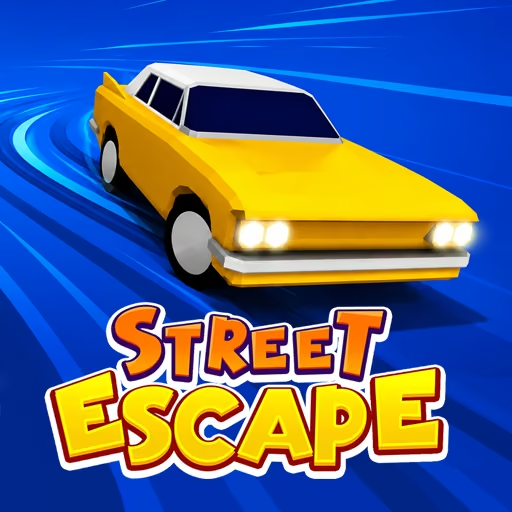



About Street Escape
When should you click if the car is already moving and the next corner is getting closer? The car moves forward on its own, and a left-click changes its direction. That makes each approaching corner a timing problem: act too late and the car meets an obstacle; make an unnecessary correction and a clear line can become the next mistake.
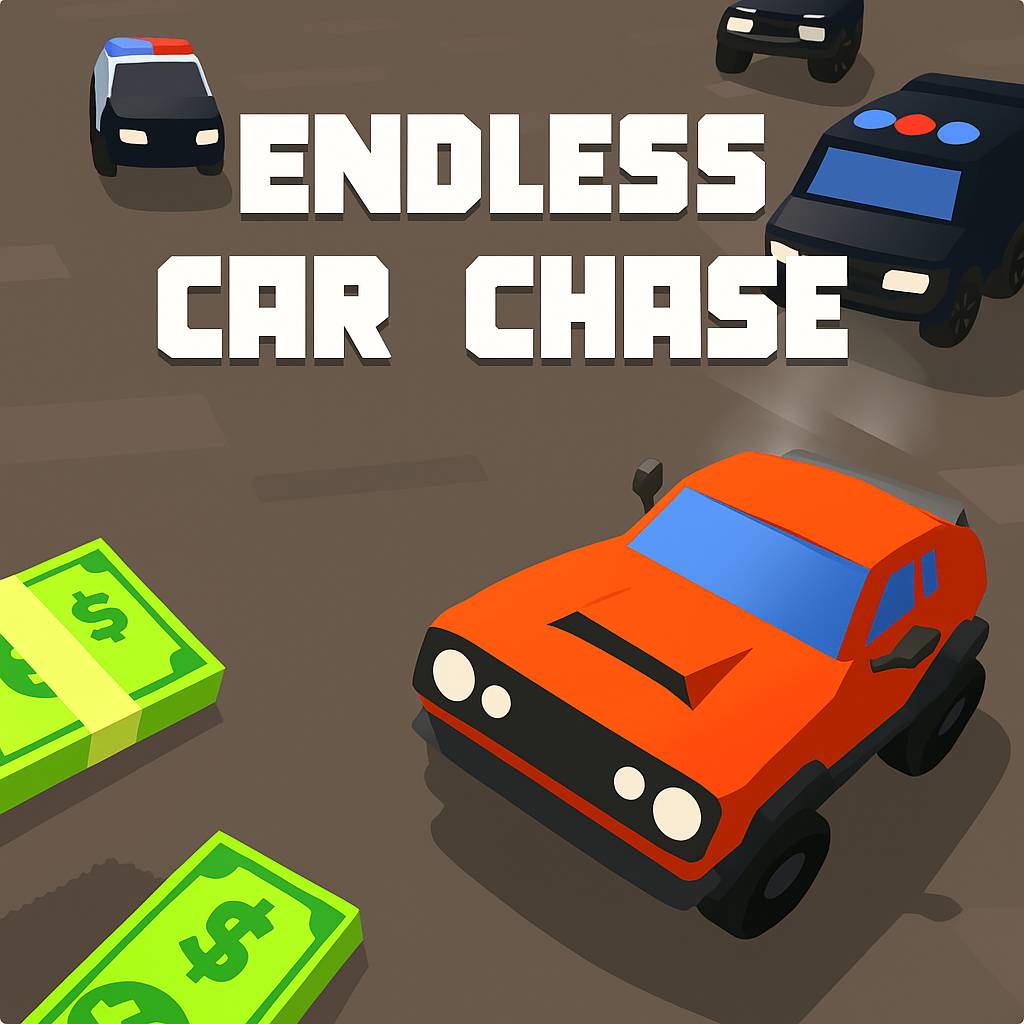
Coins along the route offer vehicle unlocks, but a run is first a test of keeping the car out of trouble. A serious collision can end the attempt, so the useful rhythm is measured rather than frantic. Watch the next corner, commit to the correction, then shift attention forward again. The game asks for precise placement along a continuing route, not a long list of driving controls.
How to Play Street Escape
Left-click to change direction while the car advances automatically. Time each correction to stay on the route and avoid a crash.
- Start the run and identify the first upcoming change in the road.
- Click before the car reaches the point where its current direction becomes unsafe.
- Watch the resulting line and prepare for the next corner instead of clicking repeatedly.
- Collect reachable coins, continue until a crash ends the attempt, and use earned rewards toward vehicle options.
Controls & Timing
Corner arrival
When the corner approaches, judge the car's position relative to the new street. Click with enough space to redirect, rather than reacting after the car reaches the obstacle at the edge.
After the click
Once a correction has lined up the route, stop adding inputs without a reason. An extra change can undo the position the previous click created.
Coin alignment
When a coin lies near a corner, prioritize the line through the turn. Collecting it is useful only if the car can continue without a second risky correction.
Controls
| Input | Action | When to use |
|---|---|---|
| Left mouse click | Change direction | Taking the next turn |
| Timed successive clicks | Follow consecutive bends | Responding to each new corner |
| Automatic forward motion | Advance along the route | No separate accelerator input is required |
High Score Tips
- Look one corner ahead instead of staring at the car. The next change in road direction tells you when an input will become necessary.
- Use each click as a distinct decision. A stream of rapid clicks makes it difficult to connect an error with the position that caused it.
- Practice a clean route before chasing every coin. Reliable corner timing creates collection opportunities naturally, while a forced pickup can end the run at once.
- After a crash, identify whether the input was early, late, or unnecessary. That specific correction is more useful on the next attempt than simply trying to react faster everywhere.
Key Features
- One-button steering: Left-clicks handle changes of direction.
- Automatic movement: Forward motion keeps the timing challenge continuous.
- Coin collection: Reachable rewards contribute toward vehicle unlocks.
- Crash-sensitive runs: Careful corner placement matters from the beginning.
Frequently Asked Questions
Do I need to hold an accelerator?
No. The car advances automatically in this version. Your main input is a left mouse click to change direction, so watch the next corner and focus on when the correction should happen.
Why do extra clicks cause problems?
Each click changes direction, so an unnecessary input can undo a line that was already correct. Give the previous correction time to establish the route before deciding whether another one is needed.
Should I prioritize coins or corners?
Prioritize completing the corner safely. A coin is useful when it fits that line, but reaching for one at the expense of the turn can end the attempt before you collect anything else.
How can I improve after an early crash?
Identify the exact timing error at the last corner. Decide whether you clicked too soon, too late, or once too often, then change that decision on the next run rather than clicking faster indiscriminately.