
About Escape Raid
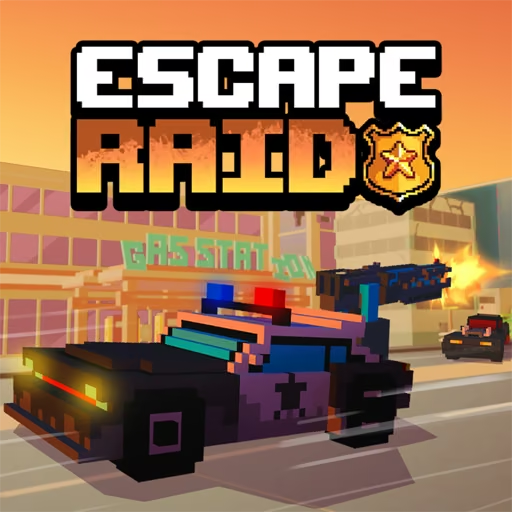
An enemy closes from the side just as the terrain demands a turn, and Escape Raid gives you both steering and a weapon to answer it. You play a sheriff in a ruined landscape, steering through hostile pursuit while attacking from the vehicle. Unlike a chase where the only answer is another corner, combat gives you a way to push back against the threats around you.
That extra control also competes for attention. Steering, attacking, switching weapons, and managing the view can become too many decisions if you enter every encounter without space. The useful rhythm is to establish a driving line, choose how to engage, and leave room to disengage. Unlockable vehicles and weapons broaden the options, but the immediate objective remains keeping the current run alive through a combination of movement and well-placed attacks.
How to Play Escape Raid
Drive with WASD or the arrows, attack with Space or a left-click, and use Q to change weapons as you survive the pursuit.
- Start with an available vehicle and inspect the current weapon setup.
- Move through open terrain while watching where enemies are approaching.
- Attack with Space or the left mouse button without abandoning a clear driving line.
- Switch weapons with Q when appropriate and continue collecting progress toward additional equipment.
Controls & Timing
Moving attack
When a threat enters your intended line, establish steering room before firing. Continuing to move keeps an attack from becoming a stationary confrontation with several enemies.
Weapon transition
When the current weapon is poorly suited to the immediate encounter, use Q to switch. Make the change while the route is readable so that equipment management does not replace obstacle awareness.
View and lock
Use C to change the camera when another angle helps you read the route, and E for the weapon-lock function. Learn those responses in space before combining them with an urgent evasive turn.
Controls
| Input | Action | When to use |
|---|---|---|
| WASD / arrow keys | Drive | Moving through terrain and pursuit |
| Space / left mouse click | Attack | Engaging a threat |
| Q | Switch weapons | Changing the current attack option |
| C | Change camera | Adjusting the view |
| E | Lock the weapon | Using the weapon-lock function |
High Score Tips
- Choose a departure direction before attacking a cluster. Even a successful hit may leave other vehicles approaching, so keep a route that does not depend on destroying everything immediately.
- Learn one weapon at a time. Comparing its reach and response in manageable encounters helps you recognize when switching will actually improve the situation.
- Reduce simultaneous decisions near obstacles. Finish a camera or weapon change before entering a narrow passage so that steering receives your full attention there.
- Do not let an enemy dictate every turn. Following a target into clutter can exchange a favorable driving position for a difficult close-range encounter.
Key Features
- Armed getaway: Direct attacks complement evasive driving.
- Weapon selection: Q changes the available combat option.
- Vehicle progression: Additional rides expand the survival setup.
- Adjustable view: Camera control helps you read different driving situations.
Frequently Asked Questions
Does the vehicle shoot automatically?
This version provides a manual attack input: Space or the left mouse button. Keep steering while you engage, and avoid assuming that the automatic-fire behavior of another wasteland driving game applies here.
How do I change weapons?
Press Q to switch weapons. Try the change while you have open driving space so that you can notice the new attack behavior without missing an obstacle immediately in front of the car.
What do C and E do?
C changes the camera view, while E operates the weapon-lock function. Learn both during a manageable moment before combining them with firing and a difficult turn in the middle of a crowd.
Should I stop to finish an enemy?
Preserving movement is usually the safer starting plan in a pursuit. Attack from a route that leaves room to leave, because focusing on one target can allow other vehicles to approach from outside your view.