






About Drift Boss
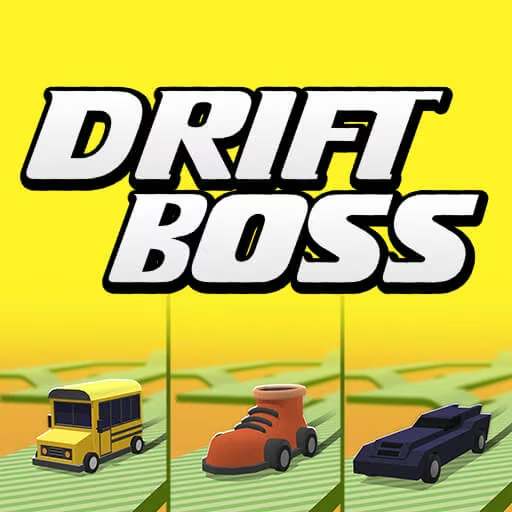
Drift Boss maps two opposite steering directions to the held and released states of one input. Holding Space or the left mouse button sends the car right, and releasing it sends the car left. The vehicle keeps moving along raised platforms, so every bend asks you to time one of those two states before the edge arrives.
The challenge becomes more subtle when narrow sections and changes in the platform interrupt a comfortable rhythm. A coin can tempt you away from the line you need for the next corner, while a late release can be just as costly as a late press. Collected coins contribute toward additional vehicles, but the most useful progression is learning to read the upcoming shape of the track rather than reacting only to the car beneath your eyes.
How to Play Drift Boss
Hold Space or the left mouse button to turn right, release to turn left, and keep the moving car on the raised platform for as long as possible.
- Start the run and identify whether the next bend requires a held input or a release.
- Change input state before the car's current line carries it off the platform.
- Watch the following corner immediately after completing the current turn.
- Collect reachable coins and continue until the car falls from the route.
Controls & Timing
Press transition
When the platform bends right, begin holding the input with enough room for the car to follow the new line. The useful cue is the upcoming corner, not the moment a wheel reaches the edge.
Release transition
When the route bends left, release the same input. Treat this as an active steering decision; continuing to hold is still a command to go right.
Narrow platform
When the track offers less width, prioritize the center of the usable route. A coin near the outside is optional, while the next corner still requires room to complete.
Controls
| Input | Action | When to use |
|---|---|---|
| Hold Space / left mouse button | Turn right | Following a rightward bend |
| Release Space / left mouse button | Turn left | Following a leftward bend |
| Hold / release touch input | Turn right / left | Using the supported touch control scheme |
High Score Tips
- Look toward the next change in track direction. Reading the bend early gives you a consistent cue instead of forcing a rescue input beside the edge.
- Practice releases separately in your attention. Players often remember to press but keep holding too long, even though the release is the command that makes the next left turn possible.
- Choose a clean platform line over a difficult coin. Remaining on the track creates more collection chances, while an edge chase can end the attempt immediately.
- When a rhythm breaks, return to visible corners. Do not keep pressing and releasing at the previous cadence if a narrow section or change in spacing has altered the route.
Key Features
- One-button control: Held and released states represent opposite steering directions.
- Raised track: Falling from the platform ends the attempt.
- Changing platform shapes: Corners and narrow sections require timing adjustments.
- Coin progression: Collected coins contribute toward additional vehicles.
Frequently Asked Questions
How do I turn left?
Release Space or the left mouse button. The released state is the left-turn command, so letting go is as important as pressing when you are following alternating bends in the platform.
Do I have to alternate between keyboard and mouse?
No. Space and the left mouse button provide alternative ways to use the same hold-and-release system. Choose one that feels comfortable so your attention stays on the timing of the next corner.
Can I play using touch controls?
The documented touch version uses the same held-versus-released pattern. Keep contact to turn right and release to turn left, watching the next platform bend rather than waiting until the car reaches the edge.
What is more important than collecting coins?
Staying on the platform comes first. Take coins that fit the line through the next corner, but skip one if reaching it removes the margin needed to complete a narrow section safely.