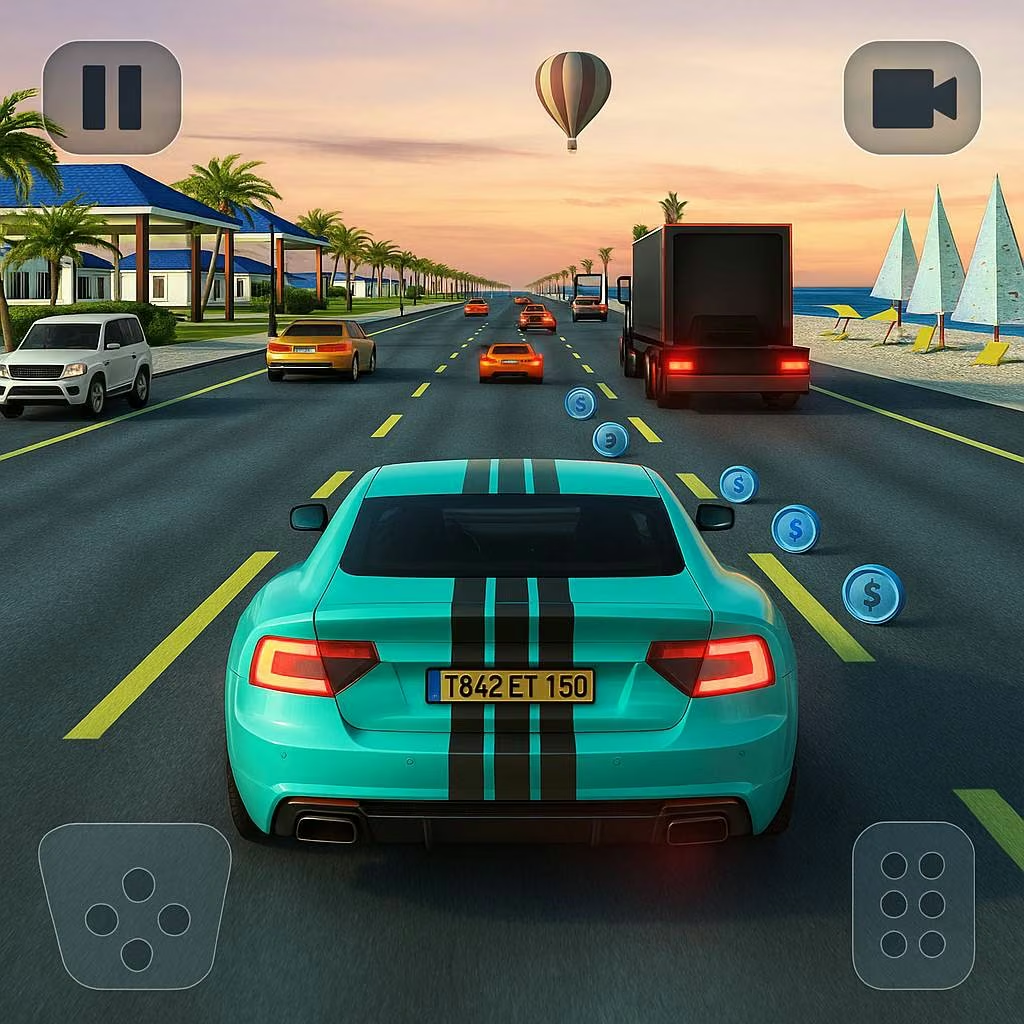
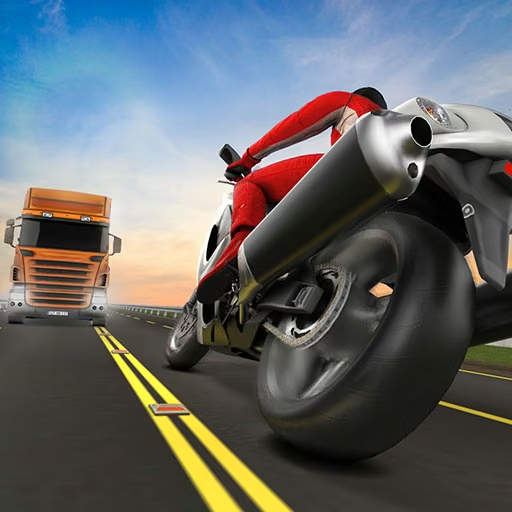
About Traffic Jam 3D
Traffic Jam 3D links two systems: the traffic you must read during a drive and the car development you manage afterward. Arrow-key acceleration, braking, and steering determine how you move through each cluster of vehicles. The selected mode then determines what that movement is for, from reaching career checkpoints to extending an open-ended run.
Career, Infinite, Time Against, and Free modes let the same basic controls support different goals. The garage adds car unlocks and performance improvements, while urban, desert, and highway settings change the surroundings. A vehicle purchase does not solve every traffic problem in the same way. Its usefulness depends on the goal you choose and whether the extra performance helps you complete that goal without turning each overtake into a late correction.
How to Play Traffic Jam 3D
Choose a mode, accelerate with the up arrow, brake with down, and steer with left/right to pass traffic while working toward the current mission, timer, or distance objective.
- Select a car and mode, then read any checkpoint or time requirement before entering traffic.
- Build speed where the road ahead is visible and choose overtakes that leave room afterward.
- Brake or change lanes when a group of vehicles reduces the available space.
- Use earnings for available cars or upgrades, then return to a comparable drive to assess the change.
Controls & Timing
A checkpoint deadline
When a career objective puts a deadline on reaching the next marker, preserve steady progress through traffic. A risky pass that causes a collision can cost more time than a brief controlled reduction in speed.
A compressed traffic group
When several vehicles close your possible exits at once, brake before entering the group. Slowing on the approach creates time to identify a lane instead of demanding an immediate sideways escape.
A garage purchase
When an upgrade changes the car's performance, test it under a familiar objective. Comparing the same type of drive reveals more than moving directly into an unfamiliar setting and mode.
Controls
| Input | Action | When to use |
|---|---|---|
| Up arrow | Accelerate | Building speed on clear road |
| Down arrow | Brake | Managing approach speed and traffic density |
| Left/right arrows | Steer | Passing and changing lane position |
High Score Tips
- Decide what a successful attempt means before accelerating. Distance survival and a timed checkpoint encourage different risk choices, even though the driving controls remain the same.
- Leave braking room in your planned overtake. Entering a faster lane is useful only if you can respond when the next car is closer than expected.
- Use earnings with a specific comparison in mind. If you buy a new car, repeat a familiar mode before stacking further changes on top of it; otherwise the benefit is difficult to isolate.
- Treat scenery changes as a reason to read the road again. A familiar vehicle does not make a new setting familiar, so establish the traffic pattern before committing to the same pace as your previous attempt.
Key Features
- Four mode choices: Career, Infinite, Time Against, and Free alter the driving objective.
- Car development: Unlocks and upgrades connect separate sessions through the garage.
- Traffic-based navigation: Moving vehicles make speed and lane position interdependent.
- Multiple environments: Different road settings provide new contexts for the same driving controls.
Frequently Asked Questions
What is the difference between Career and Infinite?
Career gives you specific objectives such as reaching checkpoints within a time requirement. Infinite centers on extending the drive, so choose based on whether you want a defined mission or an endurance attempt.
Can I slow down instead of changing lanes?
Yes. The down arrow brakes. Use it before entering a tightly packed traffic group, especially when neither adjacent lane offers a clear continuation and an immediate overtake would leave little room.
Should I buy another car or keep upgrading the current one?
Base the choice on what you want to compare and what the garage offers. A familiar car helps you assess a single improvement, while a new vehicle requires learning its response again.
Does Free mode use different steering controls?
The basic driving controls remain the arrows: up to accelerate, down to brake, and left/right to steer. Free driving changes the purpose of the session rather than replacing those core inputs.