
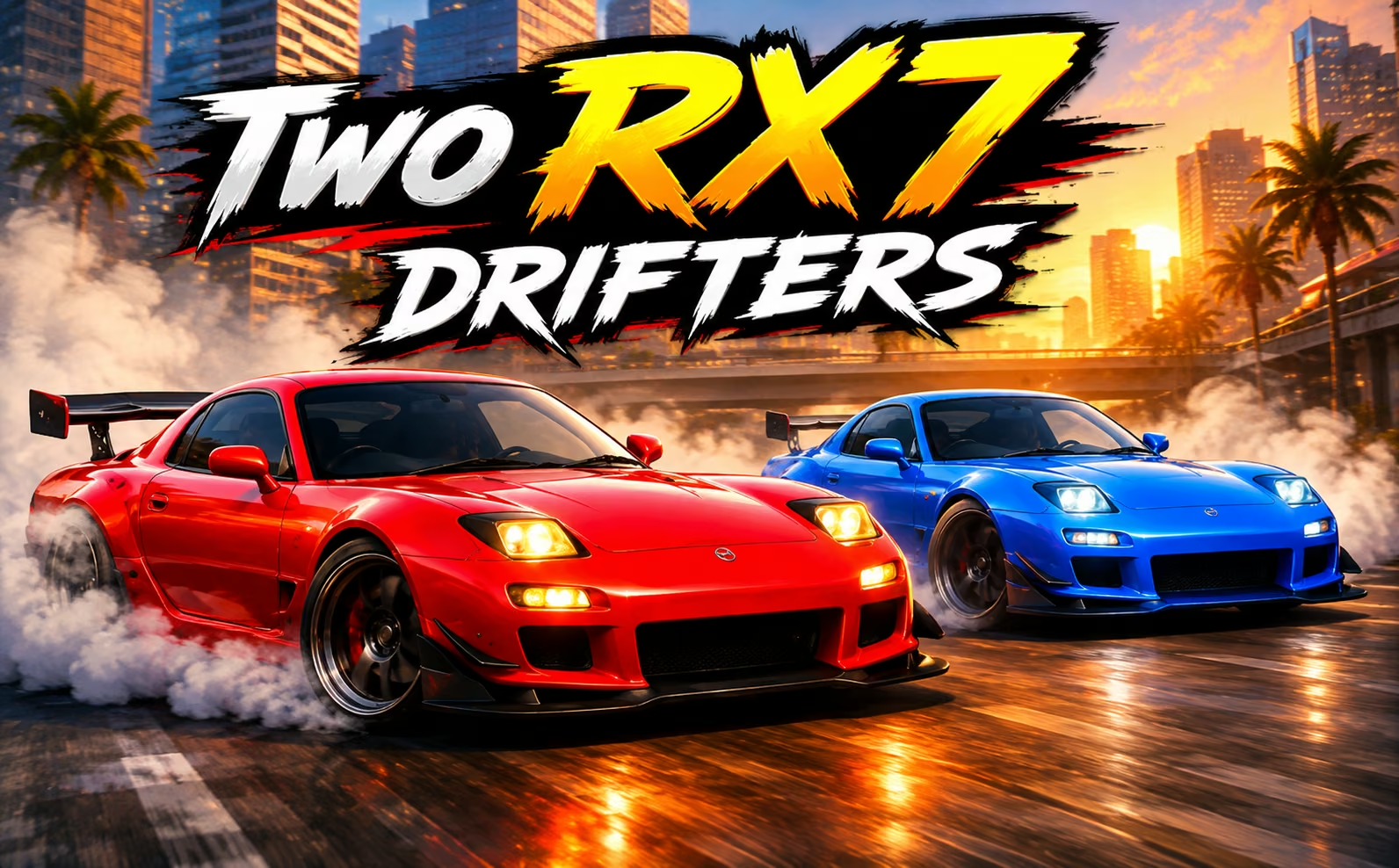

About Two RX7 Drifters
The most useful advantage in Two RX7 Drifters is a slide you can repeat. Two drivers can share a keyboard, use separate control sets, and compare their drifting across the available tracks. A rival's score provides a clear target, but copying an ambitious maneuver is less valuable than maintaining your own controlled sequence.
The cars can be personalized with body colors, wheel choices, and underbody lighting. Those decisions help distinguish the vehicles without replacing the skill of setting up a corner. The competition comes from how each driver uses the track: choosing an approach, sustaining the drift, and leaving enough room to continue afterward. With a second player beside you, the challenge is to keep driving deliberately even when the other car appears to be having a stronger run.
How to Play Two RX7 Drifters
Choose a track and play alone or with a local partner; Player 1 uses WASD and Player 2 uses the arrows to drive, control slides, and build drift scores.
- Select the play setup and give each local player room to use the assigned keys.
- Choose cars and a track, then use the first corners to judge steering and approach speed.
- Initiate controlled slides and adjust the car's line as each corner develops.
- Compare the resulting drift performance and repeat the track with a specific entry or transition to improve.
Controls & Timing
Shared-keyboard preparation
Before a two-player attempt, establish who uses WASD and who uses the arrows. Settling hand positions first prevents a control mix-up from interrupting the opening corner.
A rival's strong slide
When the other player extends a drift, keep judging your own remaining track space. Responding with extra speed in an unsuitable corner can sacrifice a reliable sequence for one rushed comparison.
A familiar track
When you repeat a course, use the same opening approach to compare a new idea. A consistent reference makes it easier to identify whether a longer slide also gives you a usable exit.
Controls
| Input | Action | When to use |
|---|---|---|
| Player 1 W/S | Accelerate and brake | Managing approach speed |
| Player 1 A/D | Steer | Guiding and correcting drifts |
| Player 2 up/down | Accelerate and brake | Managing the second car's speed |
| Player 2 left/right | Steer | Controlling the second car's line |
High Score Tips
- Set a manageable target for the next attempt, such as improving one transition. A small repeatable gain helps your score more reliably than changing your entire approach after seeing the other player's result.
- Judge corners individually. A wide bend and a tighter return do not need the same speed, so copying one successful input rhythm across the whole track can create avoidable errors.
- Keep track choice consistent while comparing drivers or cars. Learning a new layout at the same time changes too many factors to reveal which drift technique is actually working.
- Customize for recognition before a local session. Easily distinguished cars make the shared competition clearer, but do not assume a different paint color or lighting selection improves their handling.
Key Features
- Local two-player driving: Separate keyboard controls support two people at one computer.
- Drift competition: Sustaining controlled slides gives players a performance target.
- Track selection: Different courses provide alternative corner sequences to learn.
- Car appearance options: Body color, rims, and underbody lighting personalize the setup.
Frequently Asked Questions
Is the two-player mode online?
The confirmed two-player setup is local, with both drivers using the same keyboard. Player 1 uses WASD and Player 2 uses the arrow keys, so arrange your seating and hand positions accordingly.
Can I practice before competing with someone?
Yes. Use a solo attempt to learn the car and track before comparing with a local partner. Working on the same opening corners gives you a stable baseline for later two-player runs.
Do paint and lighting choices improve drift scores?
They personalize the car's appearance. Build scores through your driving, and do not treat a cosmetic selection as a performance upgrade unless the game explicitly identifies a separate change to handling.
What should I do if I keep losing control while chasing a score?
Shorten the slide and restore a manageable exit first. Once you can repeat the corner, extend it gradually; trying to match a rival immediately can make it harder to understand the original mistake.