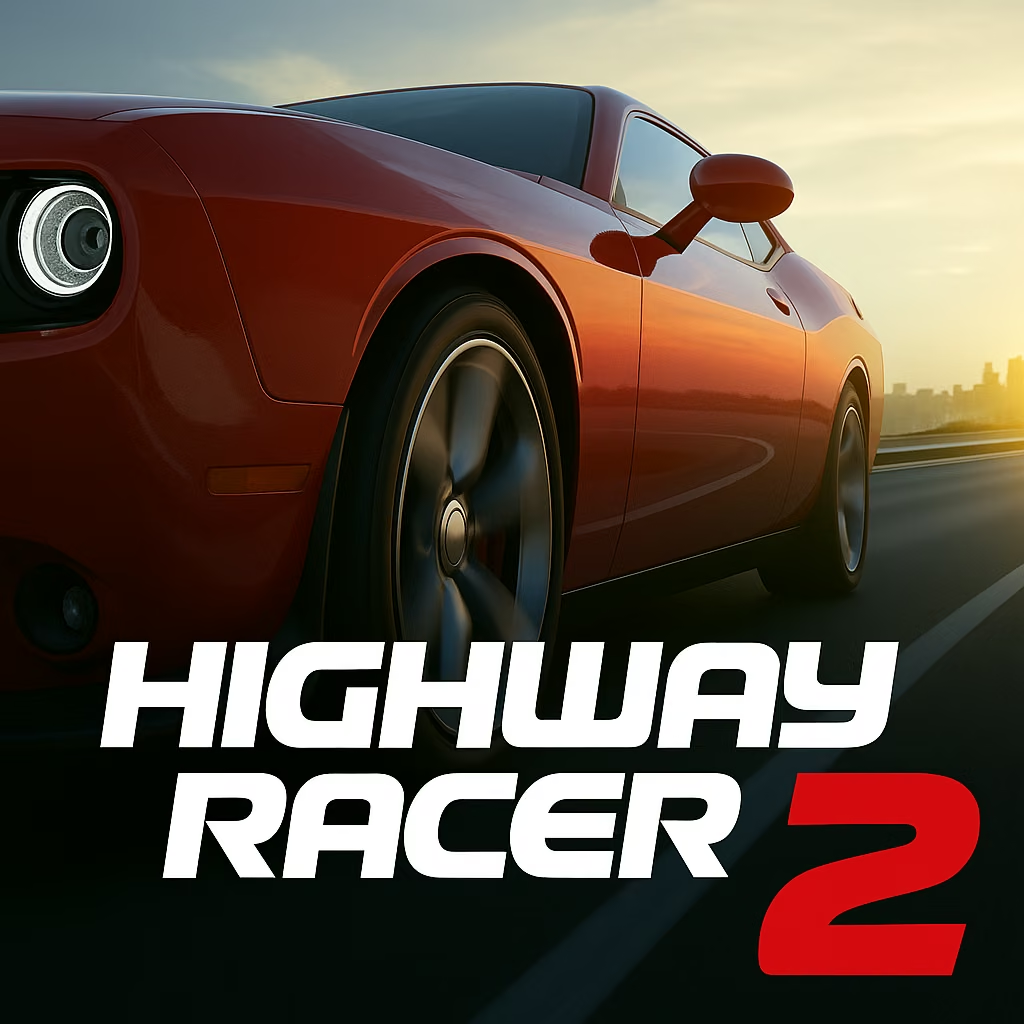


About Highway Racer 2
Start Highway Racer 2 by learning how much space the car needs to pass another vehicle. Its acceleration, braking, and steering controls are straightforward, but each driving mode puts those controls to a different use. A basic traffic run gives you a place to establish that spacing before adding the demands of other objectives.
The game includes several modes, vehicle customization, performance improvements, and online multiplayer. Crash mode is a particularly useful reminder to read the instructions: avoiding every collision is not the universal objective across the menu. Developing the car and understanding the selected challenge work together. Once the basic drive feels predictable, moving between modes becomes a question of adapting a known skill rather than learning the controls and the objective at the same time.
How to Play Highway Racer 2
Choose a car and mode, use WASD or the arrows to drive, and follow that mode’s objective while managing your speed around highway traffic.
- Begin with a straightforward traffic mode and identify the direction vehicles are traveling.
- Accelerate on a clear section, then practice passing with enough space to return to a useful lane.
- Use the brake when the road ahead closes rather than relying only on sudden steering.
- Try another mode or vehicle setup after learning the basic drive, reading the new objective before starting.
Controls & Timing
An ordinary overtake
As you approach slower traffic, choose a passing lane with a visible continuation. Start steering while there is room to complete the move instead of waiting beside the other vehicle.
A mode change
When selecting Crash mode or a timed challenge, check what the result measures. Carrying the previous mode's habits into a different objective can produce a well-driven attempt aimed at the wrong goal.
An unfamiliar car
After changing vehicles or performance options, use an open section to learn acceleration and braking. Familiarizing yourself before dense traffic makes the next pass easier to judge.
Controls
| Input | Action | When to use |
|---|---|---|
| W or up arrow | Accelerate | Increasing speed on a usable line |
| S or down arrow | Brake | Creating time before congested traffic |
| A/D or left/right arrows | Steer | Passing vehicles and positioning the car |
| Left mouse button | Select menu options | Choosing modes and garage settings |
High Score Tips
- Learn one mode well enough to recognize why an attempt ends. That diagnosis gives later upgrades a purpose and prevents every failure from being attributed vaguely to the car.
- Practice slowing down without abandoning your line. Braking and steering solve different problems; combining a manageable pace with a planned lane is more dependable than treating every obstacle as an emergency dodge.
- Read opposing traffic early in a two-way setup. The closing movement differs from following slower cars, so do not assume a familiar passing distance gives the same amount of decision time.
- Take a tested setup into multiplayer. Knowing the car lets you focus on the shared driving session instead of discovering its braking response while also reacting to other participants.
Key Features
- Varied highway challenges: Different modes change what a successful drive requires.
- Crash-focused play: One mode gives collisions a different role from ordinary avoidance runs.
- Garage choices: Appearance and performance options let you develop a preferred setup.
- Online multiplayer: A multiplayer option extends driving beyond solo attempts.
Frequently Asked Questions
Which controls should I learn first?
Start with W/up for acceleration, S/down for braking, and A/D or left/right for steering. Practice them in a simple traffic setup before adding a more demanding mode or unfamiliar vehicle.
Do I avoid collisions in every mode?
Read the selected objective. Ordinary traffic driving emphasizes avoiding crashes, while Crash mode gives collisions a different purpose; an approach that works in one mode is not automatically the goal in another.
Does Highway Racer 2 include multiplayer?
Yes, an online multiplayer option is part of the game. Enter it from the relevant menu and use a car you already understand so the shared session does not also become a first handling test.
What should I test after an upgrade?
Repeat a familiar approach and overtake, paying attention to acceleration, braking distance, and steering response. A comparable route makes a performance difference easier to identify than changing the mode at the same time.