


About MX Offroad Mountain Bike
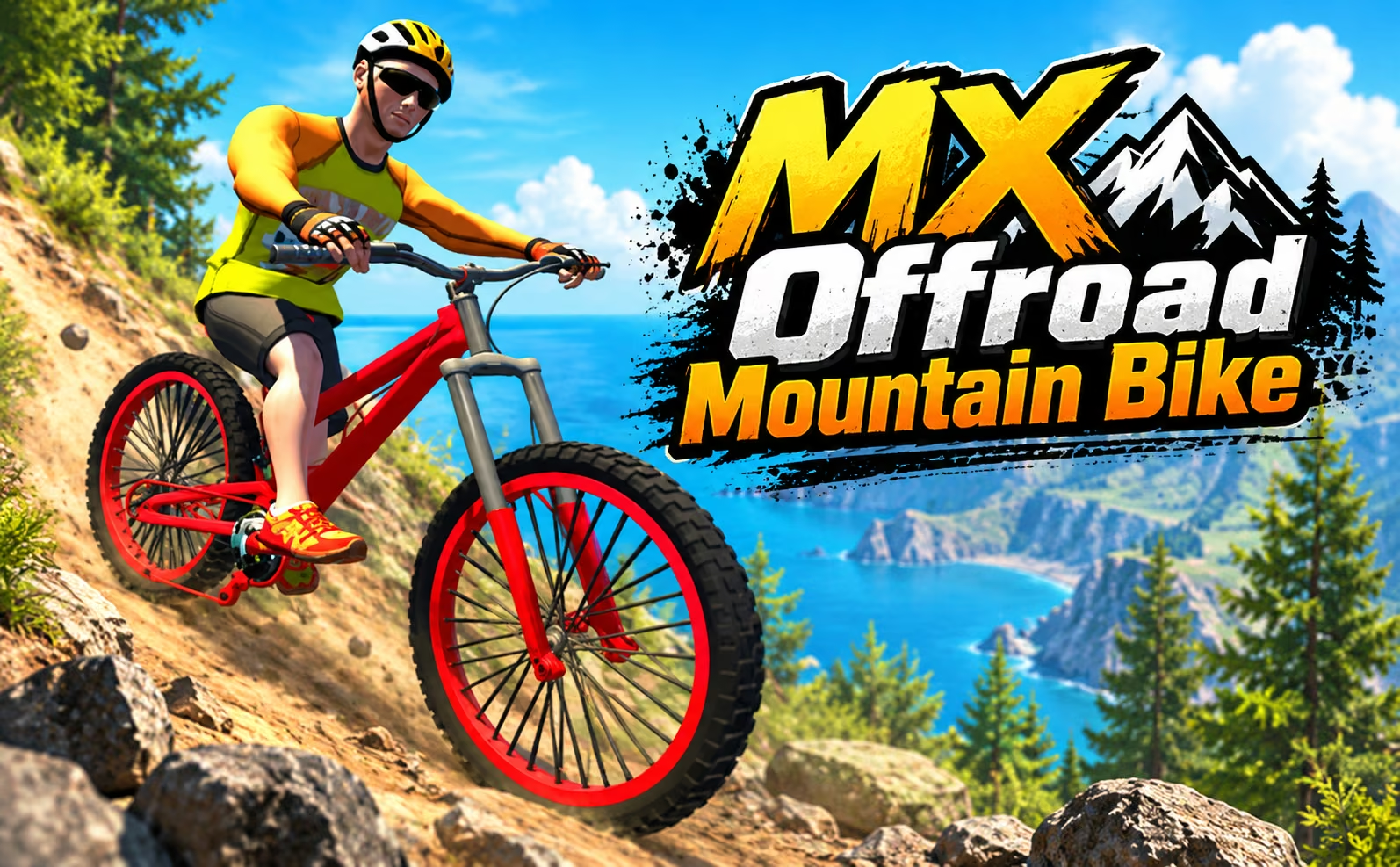
MX Offroad Mountain Bike makes terrain part of the control problem. A downhill section supplies momentum, a narrow bridge limits steering room, and a ramp asks you to consider the landing before leaving the ground. You ride through mountain environments where reaching the next checkpoint depends on placing the bike carefully as much as keeping it moving.
Mountain Ride provides route challenges and supports local one- or two-player play, while Free Ride offers a solo space to explore. Coins and diamonds add collectible objectives alongside the riding, with store choices for personalizing the setup. The landscape is what gives each attempt its shape. A useful line connects the descent, obstacle, and recovery area; choosing those separately can leave you with plenty of speed but nowhere comfortable to direct it.
How to Play MX Offroad Mountain Bike
Choose Mountain Ride or Free Ride, steer with WASD, and manage your approach to slopes, bridges, and ramps; a local second player uses the arrow keys in supported two-player play.
- Select a riding mode and, for a local two-player challenge, assign the two keyboard control sets.
- Follow the route toward checkpoints, setting your direction before steep or narrow sections.
- Adjust the approach when a bridge, ramp, or limited view leaves less room for corrections.
- Recover after a failed attempt and retry the section, or explore and collect available items in Free Ride.
Controls & Timing
A steep descent
When the trail starts dropping, establish the intended line before the bike gathers speed. Steering toward a narrow exit is easier when the descent begins with the bike already aimed at it.
A bridge entry
When the route narrows, finish the alignment on the wider approach. Large corrections after entering the bridge use the small amount of space that was supposed to keep the bike on it.
A checkpoint retry
After respawning, identify the part of the previous approach that caused trouble. Changing the entry line or speed deliberately turns the repeated section into useful practice.
Controls
| Input | Action | When to use |
|---|---|---|
| Player 1 W/S | Move forward and control speed | Managing the first rider's approach |
| Player 1 A/D | Steer | Following the offroad line |
| Player 2 arrow keys | Ride and steer | Controlling the second local rider |
| R | Respawn | Returning after a failed attempt |
High Score Tips
- Think in connected terrain sections. A descent that ends at a narrow bridge needs a different approach from one that opens into broad ground, even if the slopes look similar.
- Reduce the size of steering corrections as the path narrows. Establishing alignment early leaves smaller adjustments to make when the surrounding terrain gives you little room.
- Use Free Ride to become familiar with the bike before adding a competitive goal. Learning how it responds over uneven ground gives the local challenge a clearer focus on route execution.
- Keep optional collectibles separate from a difficult checkpoint attempt. First learn a reliable crossing, then assess whether a coin or diamond detour can fit that route without spoiling the recovery.
Key Features
- Mountain terrain: Slopes, ramps, bridges, and uneven ground shape route decisions.
- Checkpoint challenges: Repeated sections reward learning a controlled approach.
- Local two-player support: Separate keyboard inputs let two riders share a challenge.
- Solo exploration: Free Ride provides space for practice and collectible detours.
Frequently Asked Questions
Is two-player riding online?
The confirmed two-player setup is local. One rider uses WASD and the other uses the arrow keys on the same keyboard, so choose the supported two-player challenge and establish controls before starting.
What is the difference between Mountain Ride and Free Ride?
Mountain Ride supplies the route challenge and local two-player option, while Free Ride is a solo exploration mode. Choose according to whether you want a defined riding task or space to inspect the terrain.
How do I recover after a failed jump?
Use R to respawn, then reconsider the approach before trying again. Compare the entry speed, takeoff line, and available landing space so the next attempt addresses the part that went wrong.
Why do I keep falling at a narrow bridge?
The problem may begin before the bridge. Align the bike on the wider approach and enter at a manageable pace, leaving only small steering corrections for the section with limited space.