
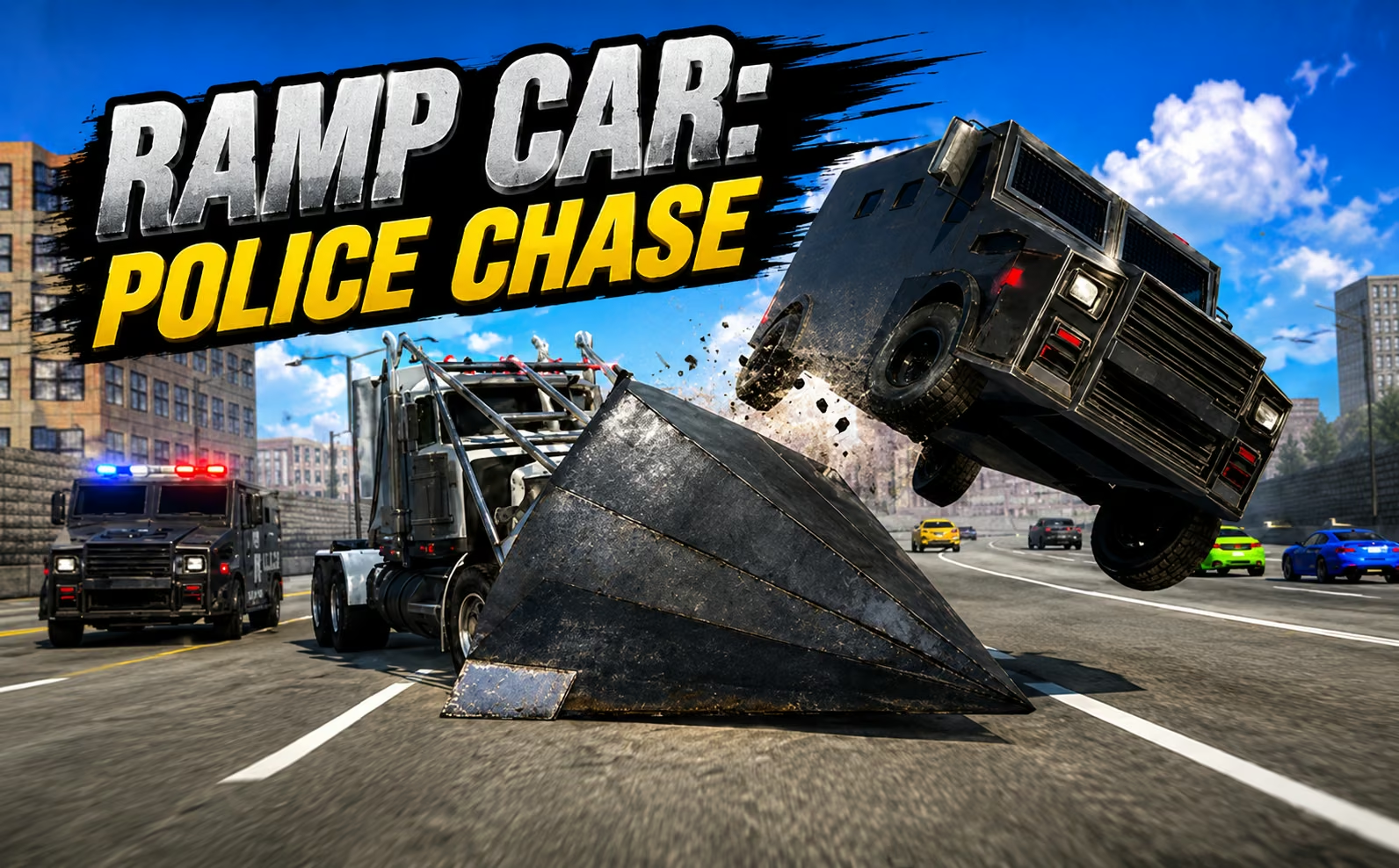
About Police Chase Simulator
Police Chase Simulator separates driving experiments from their consequences with tools for resetting, repairing, and slowing the action. Its choices include racing, sandbox play, and multiplayer, with environments ranging from ordinary streets to a low-gravity Moon setting. The car can be damaged, restored, or reset, making experimentation part of the activity rather than an interruption to it.
There is no single scoring plan that fits every mode. A race asks for a controlled route, while the test area invites you to compare jumps, impacts, and vehicle changes. Tuning adds another layer to those experiments. Start with a question you can actually observe—how a different setup handles a ramp, for example—then use the repair, camera, and time controls to understand what happened.
How to Play Police Chase Simulator
Choose a mode and map, drive with WASD, and use the handbrake or nitro as needed. Reset with R or restore the car with K when an experiment leaves it unusable.
- Select racing, sandbox, or an online session and choose the environment you want to explore.
- Drive a familiar route before changing vehicle tuning or attempting a large jump.
- Use Space for the handbrake, Shift for nitro, and C to find a useful camera angle.
- Reset or restore the car after a problem and repeat the maneuver with a deliberate adjustment.
Controls & Timing
Reset versus restore
When the car is trapped, R provides a reset option; when damage is the issue, K restores it. Distinguishing those problems makes experimentation quicker and keeps the next attempt purposeful.
Low-gravity landing
On the Moon, allow more space for the vehicle's airborne motion. Begin with modest approaches so you can learn the different landing behavior before adding speed.
Slow-motion inspection
When you want to examine an impact or jump, use B to slow time. Combine it with a useful camera view so that the result explains something about the maneuver.
Controls
| Input | Action | When to use |
|---|---|---|
| WASD | Drive | Exploring or racing |
| Space | Handbrake | Adjusting a turn |
| Shift | Nitro | Adding speed on a clear line |
| C | Change camera | Reading the route or a stunt |
| R | Reset car | Recovering a trapped position |
| K | Restore car | Repairing vehicle damage |
| B | Slow time | Inspecting motion and impacts |
High Score Tips
- Separate experiments from race attempts. A destructive detour can be interesting in sandbox play but counterproductive when the selected objective rewards a clean route.
- Change one tuning setting at a time. Repeating the same maneuver makes it easier to tell whether the adjustment improved handling or simply changed the appearance of the result.
- Learn the Moon map without immediately using maximum speed. Extra airborne motion changes where the car lands, so familiar ground-based timing may need adjustment.
- Choose a camera that reveals the landing. A spectacular angle is less useful when it hides the space required to complete the next jump or turn.
Key Features
- Multiple modes: Racing, sandbox, and online multiplayer support different sessions.
- Distinct maps: City, countryside, Moon, and test-area environments change the driving task.
- Vehicle destruction: Impacts can visibly damage the car.
- Recovery tools: Reset, repair, camera, and time controls support repeated experiments.
- Tuning options: Vehicle appearance and wheel settings can be adjusted.
Frequently Asked Questions
Which Police Chase Simulator is this?
This guide covers the Online sandbox version with racing, multiplayer, destructible cars, and several maps. Other games share similar names, so their shooting controls or police-officer missions should not be assumed to apply here.
What is the difference between R and K?
R resets the vehicle, while K restores it after damage. Choose the action that matches the problem: a car wedged in an awkward position needs a different recovery from one that is simply damaged.
Can I play with other people?
The game includes an online multiplayer mode alongside racing and sandbox choices. Select the online option in the game interface; this description does not assume a particular lobby capacity or a specific matchmaking arrangement.
How should I use the Moon map?
Begin with controlled approaches and watch the longer airborne motion caused by low gravity. Leave extra landing room, then increase speed once you understand how the chosen vehicle behaves in that environment.