
About HOTGEAR
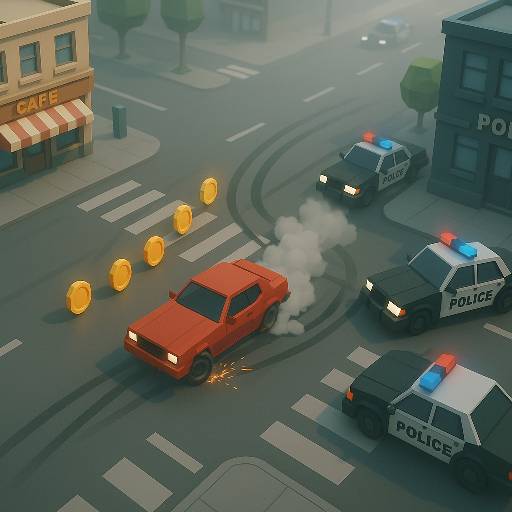
Learn HOTGEAR's junctions in Free Roam before asking a timed mission to teach them to you. You can learn its roads in Free Roam, then follow a required route toward a destination while a timer limits how much correction the run can absorb. Pursuit and explosive threats add urgency, but the route still needs to be read one junction at a time.
The city contains objects you can knock through and larger barriers that stop the car more decisively. That difference makes indiscriminate crashing a poor navigation method. Nitro and the handbrake provide useful control options, while the map helps you prepare for the next turn. Garage customization adds a reason to experiment, but completing a mission depends most directly on keeping the driving line coherent.
How to Play HOTGEAR
Choose Free Roam or a mission, drive with WASD or the arrows, and use the map to follow the route. Toggle nitro with Shift when the road ahead can support extra speed.
- Explore the town in Free Roam to learn how roads, corners, and obstacles connect.
- Start a mission and check the required route and available time.
- Use controlled steering and the handbrake through turns, reserving nitro for readable stretches.
- Reach the destination before time runs out, using the return-to-track option if a bad position prevents continuing.
Controls & Timing
Nitro toggle
When the road opens ahead, press Shift to switch nitro on. Toggle it off before a corner or obstruction removes the space needed for the extra speed.
Roadside contact
When a route meets street furniture, distinguish a light object from a substantial barrier. Even a breakable object can slow progress, so a clean line is preferable when the mission clock matters.
Map-led turning
Before a junction, use the map to understand the upcoming direction. Knowing the turn early makes it easier to choose an approach without a late cross-street correction.
Controls
| Input | Action | When to use |
|---|---|---|
| WASD / arrow keys | Drive | Exploring or following a mission route |
| Space | Handbrake | Tightening a turn |
| Shift | Toggle nitro | Adding or removing a speed boost |
| Q | Return to track | Recovering from a poor position |
| G | Open garage | Accessing vehicle options |
| M | Open map | Checking the route |
| Tab | Open menu | Accessing game options |
High Score Tips
- Learn difficult junctions without a timer first. Free Roam lets you connect the roads in your mind so the mission can focus on execution instead of navigation.
- Turn nitro off deliberately. Because the control is a toggle, the next corner deserves a fresh decision about speed rather than an assumption that the burst has already ended.
- Compare shortcuts by the whole maneuver. Crossing rough ground or striking scenery can lose the time a shorter distance appeared to save.
- Use recovery instead of repeating a blocked action. If the car cannot continue from its current position, returning to the track may be more productive than accelerating against the same obstacle.
Key Features
- Free Roam and Missions: Exploration and timed objectives offer different sessions.
- Town navigation: A map supports route planning through connected roads.
- Destructible scenery: Some objects yield to contact while larger barriers remain dangerous.
- Driving tools: Handbrake, nitro, and recovery controls support difficult maneuvers.
- Garage options: Vehicle customization adds preparation between drives.
Frequently Asked Questions
Is HOTGEAR only an endless highway game?
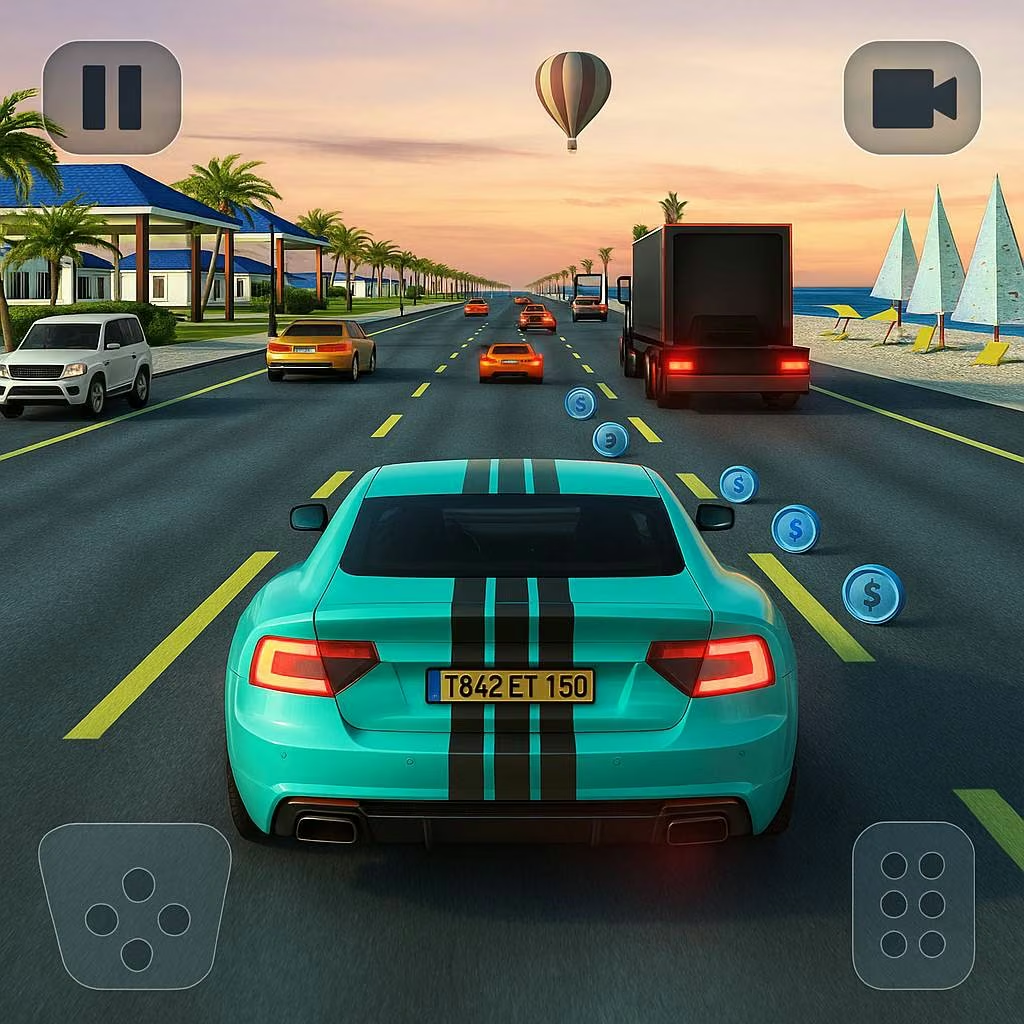
No. The verified version includes Free Roam in a town and missions with routes and time limits. Use exploration to learn the roads, then apply that knowledge when a mission requires a cleaner, faster drive.
Does Shift need to be held for nitro?
Shift toggles nitro on and off in the documented control scheme. Make a deliberate second decision before a corner so that extra speed does not continue into space that can no longer support it.
Can I drive through every object?
No. Some street objects can be knocked aside but still slow the car, while larger barriers can stop or damage it. Choose a clear line when available instead of assuming scenery is harmless.
How do I recover or check my route?
Q returns the car to the track, and M opens the map. Use recovery when position prevents progress and the map when navigation is the problem; they solve different reasons for losing time.