




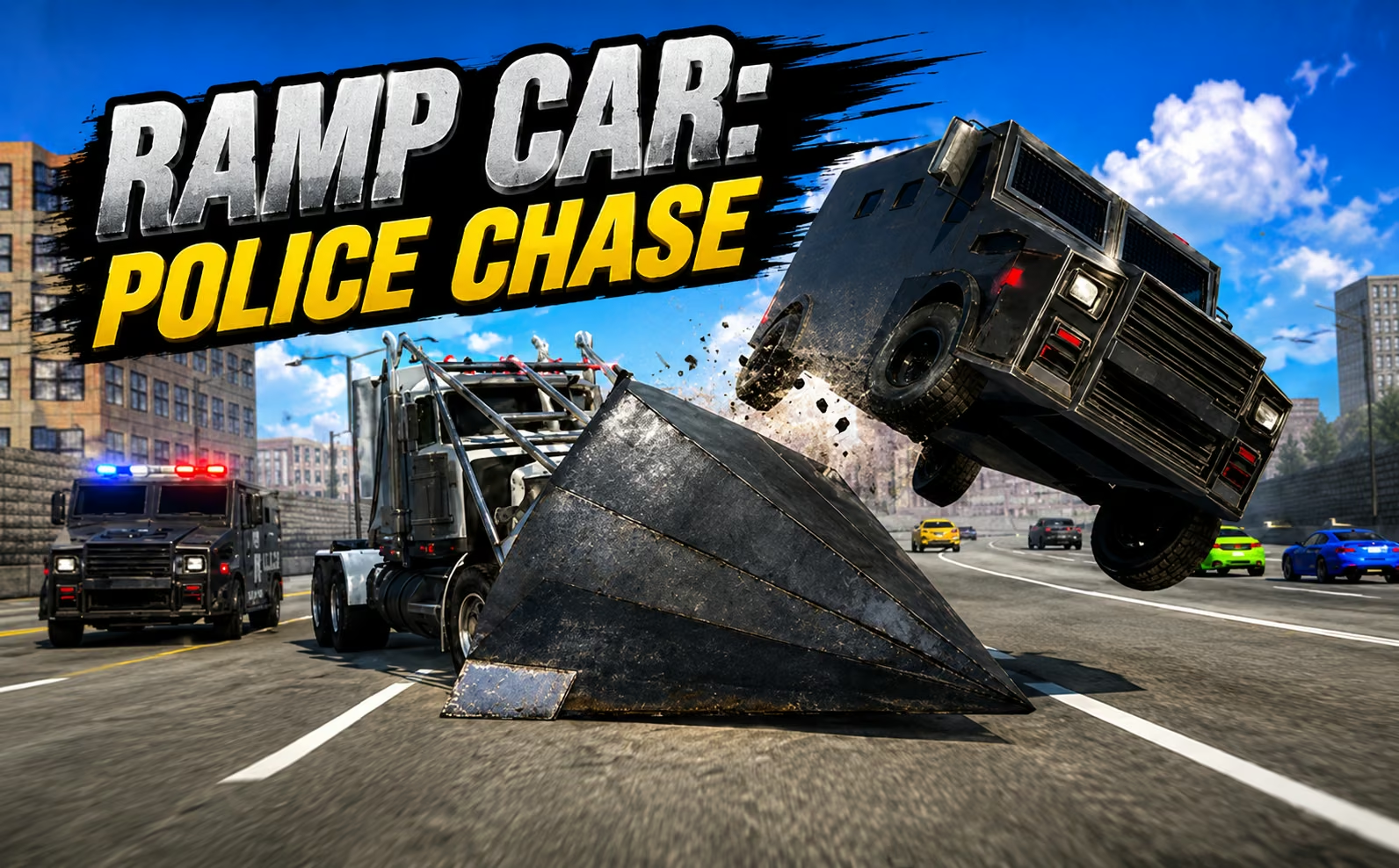
About Police Chase: Cops vs Criminals
The radar gives you a target, but reaching that target is only the beginning in Police Chase: Cops vs Criminals. You are the pursuing officer, driving through the city to locate fleeing vehicles and ram them until they can be stopped. The view of a suspect ahead is an invitation to plan an interception, rather than simply follow its path.
Contact is part of the objective, which makes the condition and position of your own car especially relevant. A careless hit against the surroundings can spoil the chase before you reach the criminal. Repair and recovery controls help you return to useful driving, while coins and vehicle unlocks support further missions. The rhythm alternates between reading the radar, closing the distance, and choosing contact that contributes to an arrest.
How to Play Police Chase: Cops vs Criminals
Drive with WASD or the arrows, locate a criminal using the radar, and ram the target until its vehicle is immobilized and the arrest objective is met.
- Begin a pursuit mission and use the radar to identify the target's direction.
- Drive toward the suspect, adjusting your route around the city's streets and obstacles.
- Close in for controlled collisions with the criminal vehicle rather than repeatedly hitting roadside objects.
- Use repair or recovery when needed, then complete arrests and spend earned coins on available police cars.
Controls & Timing
Radar and street layout
When a radar marker lies beyond a building, follow a road that can actually reach it. The marker tells you where the target is, not which obstruction you can drive through.
Contact angle
As you reach the suspect, choose a line that allows contact without sending your own car into a wall. A smaller useful impact can be easier to follow up than an uncontrolled high-speed strike.
Repair versus recovery
If the vehicle needs repairing, use F2; if it is stranded or overturned, use R to recover or reset it. These are different responses, so judge the car's condition before resuming the pursuit.
Controls
| Input | Action | When to use |
|---|---|---|
| WASD / arrow keys | Drive | Following and intercepting a suspect |
| F2 | Repair the car | Addressing vehicle damage |
| R | Recover or reset the vehicle | Returning from a stranded position |
| X | Activate the siren | During police driving |
High Score Tips
- Check the radar between maneuvers, then return your eyes to the road. Following the marker continuously can make you miss an obstacle directly in front of the patrol car.
- Plan the road after impact. When you know where both vehicles can travel next, it is easier to continue the pursuit instead of spending the next moments disentangling yourself from scenery.
- Stop treating every loss of speed as a reason to accelerate harder. Damage or a poor position may require repair or recovery before more throttle becomes useful.
- Learn a newly unlocked patrol car on a straightforward approach. Repeating a familiar interception gives you a better comparison than changing vehicles and attempting an unfamiliar corner simultaneously.
Key Features
- Police perspective: You pursue and stop criminals instead of escaping the authorities.
- Radar guidance: Target information supports navigation across the city.
- Contact-based arrests: Immobilizing criminal vehicles drives the mission objective.
- Vehicle support: Repair, recovery, and additional police cars extend your options.
Frequently Asked Questions
Is following a criminal enough to make an arrest?
No. The pursuit leads into physical contact with the suspect's vehicle. You need to stop it, so use the approach to prepare controlled impacts instead of remaining behind it indefinitely.
What is the difference between R and F2?
F2 repairs the police car, while R is the vehicle recovery or reset control. Use the action that matches the problem: damaged driving and being stranded are not always the same situation.
Does the siren automatically stop criminals?
X activates the siren, but the arrest objective still involves stopping the suspect's vehicle. Keep steering and pursuing; the siren should not be treated as a substitute for the mission's contact requirement.
What are coins used for?
Coins earned through play contribute to unlocking additional police cars. Try a new vehicle on a route you understand so you can judge its handling while continuing to learn interception timing.